How to Set Up the Perfect Gaming Station with Your Home Theater Projector
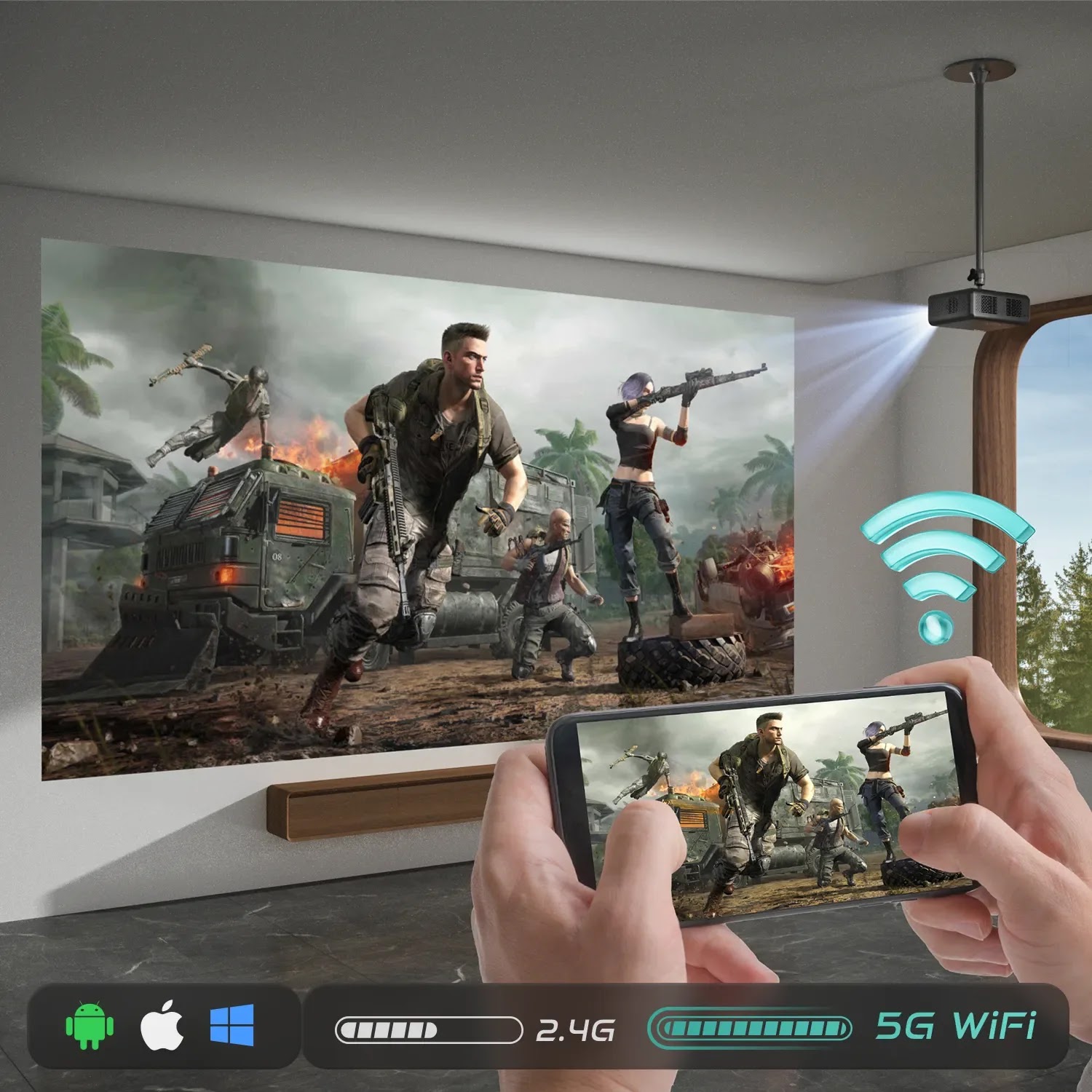
How to Set Up the Perfect Gaming Station with Your Home Theater Projector
A home theater projector isn't just for movies—it can elevate your gaming experience by creating an immersive and expansive display that traditional monitors or TVs can't match. With a gaming projector, you can transform any space into a true immersive gaming zone. This guide will help you create the ultimate gaming station with projectors like the Aurzen EAZZE D1 Pro, which provides everything you need for a smooth and engaging gaming experience.
Why Choose a Gaming Projector?
Choosing a gaming projector over a TV or monitor offers several advantages, including:
- Expansive Screens: Play on screens up to 200 inches for a truly cinematic experience.
- Portable Design: Easy to set up in your living room, bedroom, or even outdoors.
- Performance Features: Advanced technologies like low input lag, HDR, and high resolution that bring games to life.
The Aurzen EAZZE D1 Pro Gaming Projector is an excellent choice for gamers. With native 1080p resolution, HDR10 support, and 4K input, it delivers sharp and vibrant visuals. While it’s not battery-powered, its lightweight design makes it easy to set up anywhere with a power source. The dual 10W built-in speakers, enhanced by Dolby Audio and Total Sonics technology, provide immersive sound quality, perfect for gaming sessions at home or on the go.
How to Set Up Your Gaming Station
Step 1: Choose the Right Space
Pick a room with minimal ambient light to enhance the image quality. Use blackout curtains if necessary. Ensure there is enough wall space or room for a screen, and arrange comfortable seating for extended gaming sessions.
Step 2: Position and Connect Your Projector
Place your projector at the ideal distance for its throw ratio. For the Aurzen EAZZE D1 Pro, the ideal distance is between 2 and 4.5 meters, which allows you to create screens from 100 to 200 inches. Use HDMI cables for wired connections or Bluetooth for wireless device pairing.
Step 3: Enhance Your Sound
While the EAZZE D1 Pro already features Dolby Audio 10W speakers for clear and rich sound, you can enhance your audio setup by connecting external soundbars or speakers for a fully immersive experience.
Step 4: Accessories for the Perfect Gaming Station
Invest in the right accessories to complete your gaming station:
- Aurzen Universal Ceiling Mount: Ensure your projector is secure and save space.
- Aurzen 100-Inch Portable Projector Screen: Ideal for sharp, large-scale visuals.
- Gaming Chair: Stay comfortable during long gaming sessions.
Why the Aurzen EAZZE D1 Pro is Perfect for Gamers
The Aurzen EAZZE D1 Pro is a smart projector packed with features, ideal for gamers:
- 1080p Resolution with HDR10: Stunning, sharp, and vibrant images, perfect for action-packed games.
- Low Input Lag: Fast and responsive gameplay, ensuring every move counts.
- Bluetooth and Wi-Fi Connectivity: Stream directly or easily connect external devices.
- Portable Design: Lightweight and compact, making it easy to set up anywhere.
Elevate Your Gaming Setup with Aurzen
The Aurzen EAZZE D1 Pro combines advanced features, portability, and ease of use, making it a top choice for gamers looking to upgrade their setup. Whether you're hosting a gaming party or enjoying a solo experience, this projector brings your favorite games to life on the big screen.
Tens Jogos Usados ou Consolas Usadas para vender? Anuncia em GameMarket.pt
Anuncia Bicicletas e outros Artigos Novos e Usados em https://BikeMarket.pt - O maior portal de classificados de ciclismo em Portugal. Descarrega a App BikeMarket.pt disponível na Play Store
Anuncia carros usados, motos usadas e outros veículos em https://AutoAds.pt - Stand Online Grátis
Gostarias de ter o teu Link aqui e visível em todos os Anúncios? Contacta-nos

























Sale
Gigabyte Radeon RX 7600 GAMING OC 8GB GDDR6 – Excelente estado
- Gaming PC/Mobile >
- Desktop Gaming

Sale
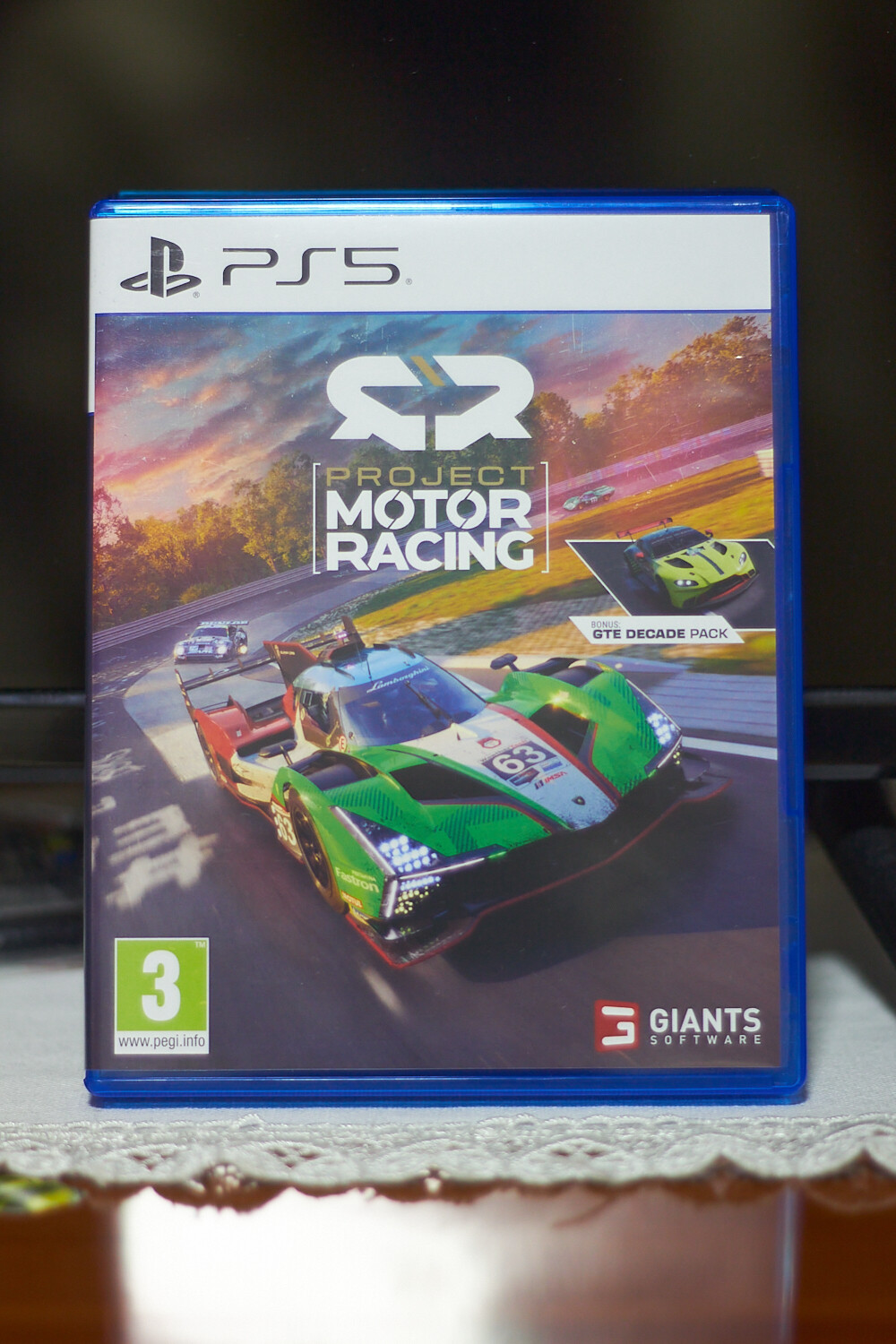
Project Motor Racing – Simulação de Corridas Realista para PS5
- PlayStation >
- PlayStation 5